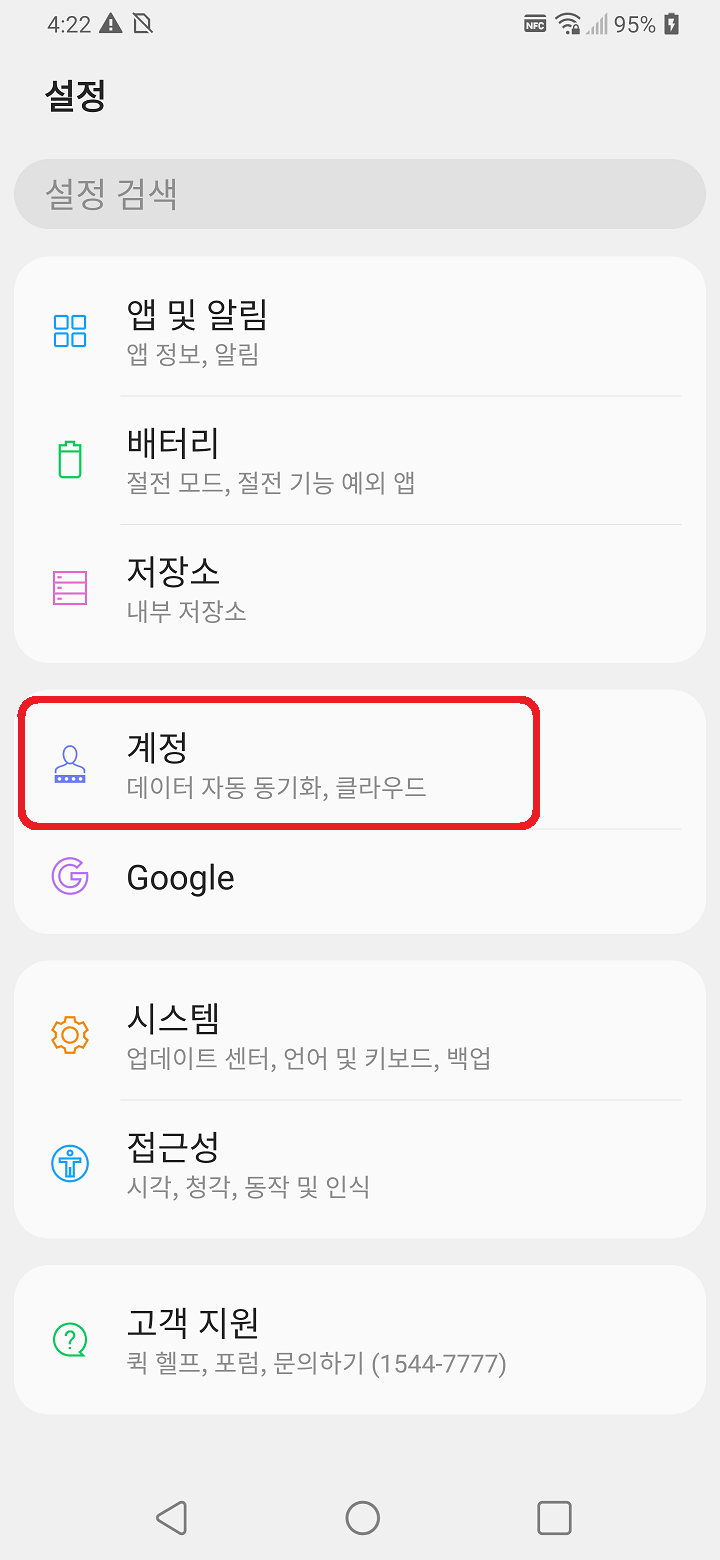
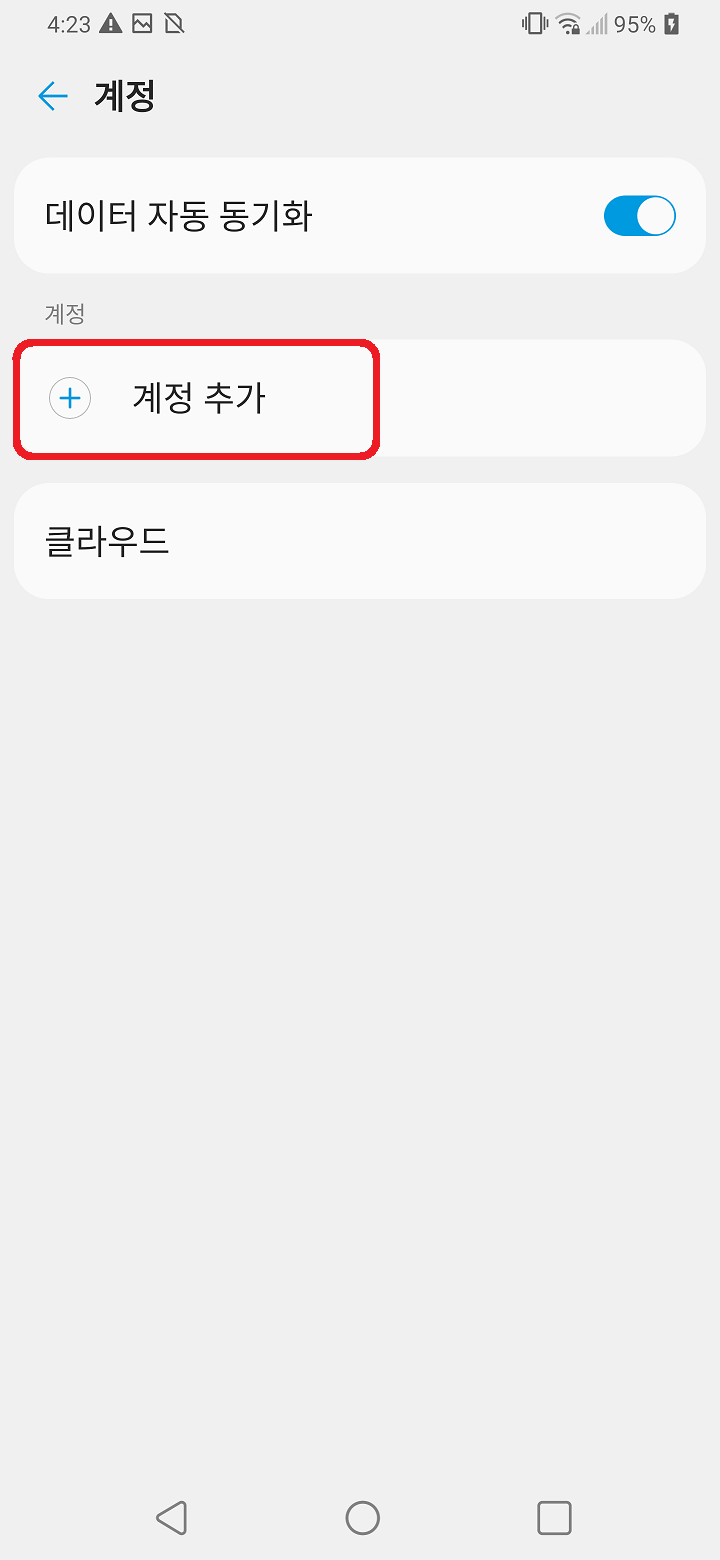
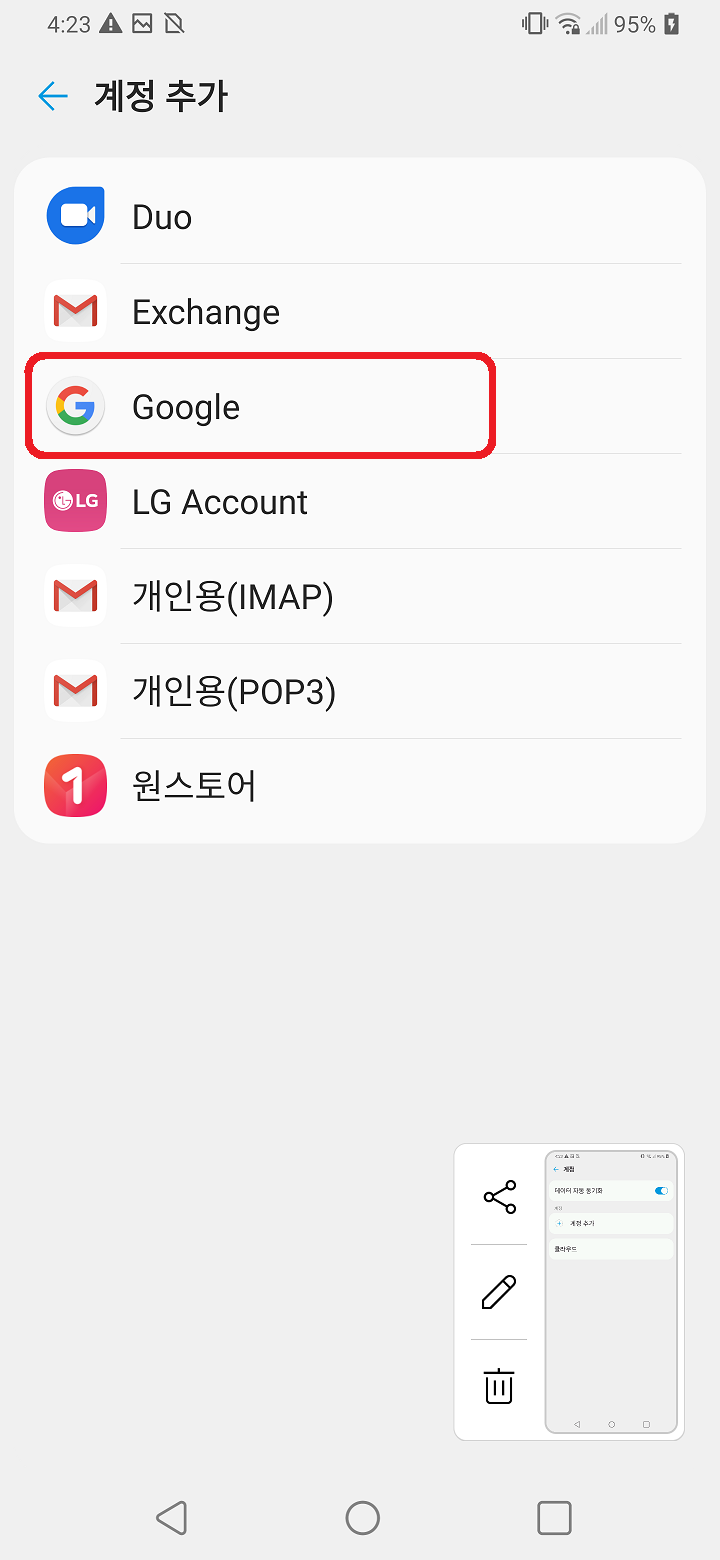
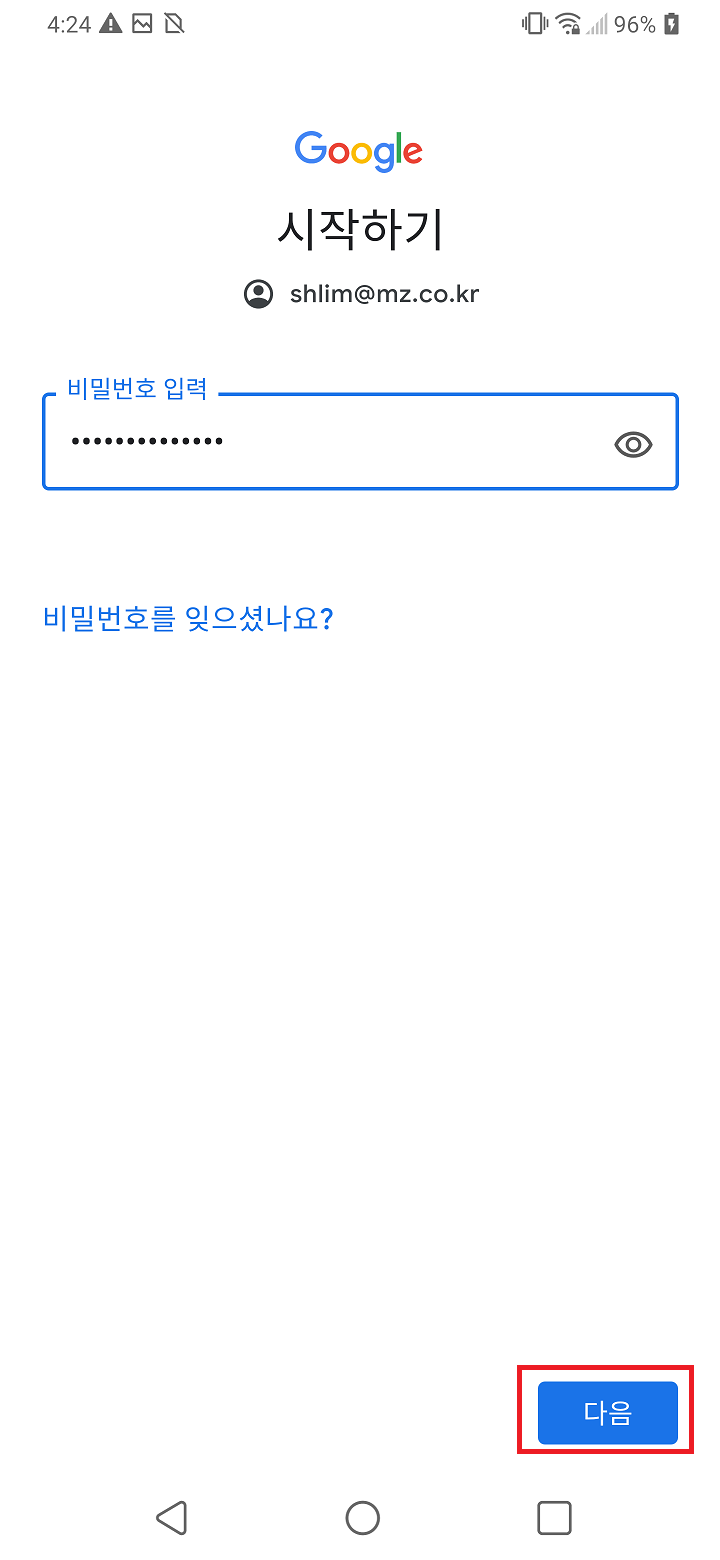
[Mobile] Add G Suite account - Android manual site September 18, 2020 07:58 Updated [Mobile] Add G Suite account - Android Go to your account settings.(In Settings) Add your G Suite account in the Account menu. Touch “Google” Enter your G Suite account and tab ‘ next’. Enter your account password and tab ‘next’. Comments 0 comments Please sign in to leave a comment.

Comments
0 comments
Please sign in to leave a comment.