Sign in Gmail (Google) - iOS
-
Click -> Gmail App
-
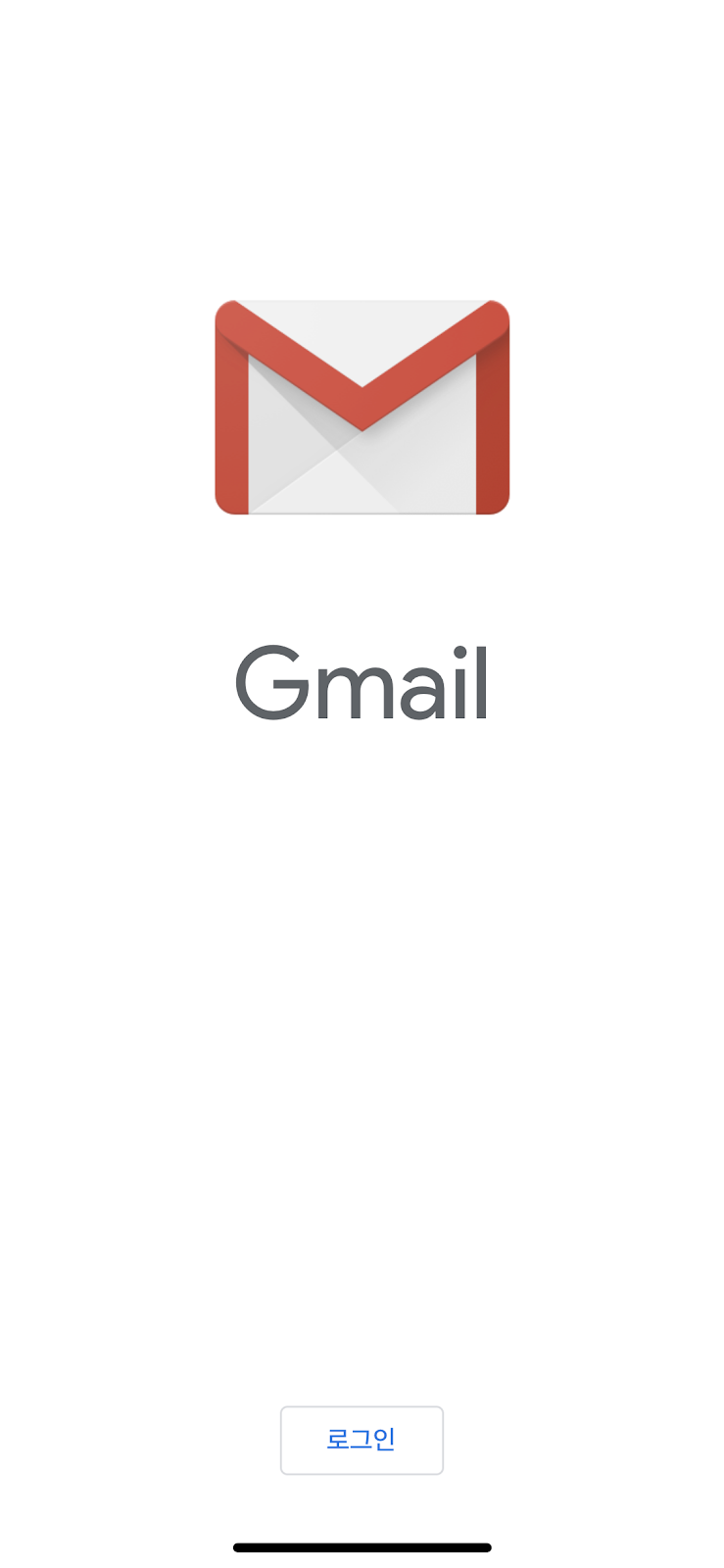
Click “Login” on the bottom
-
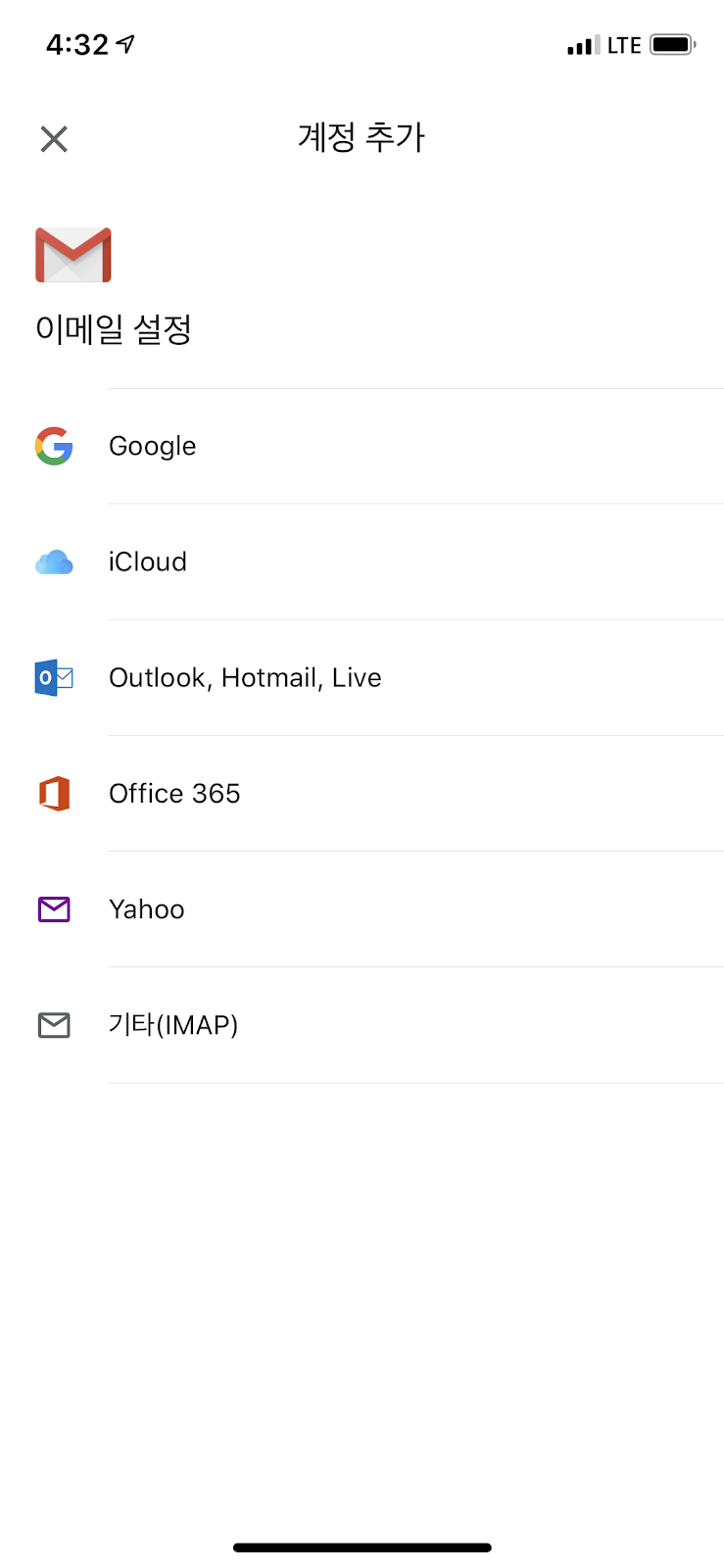
Click “add account”-> Google
-
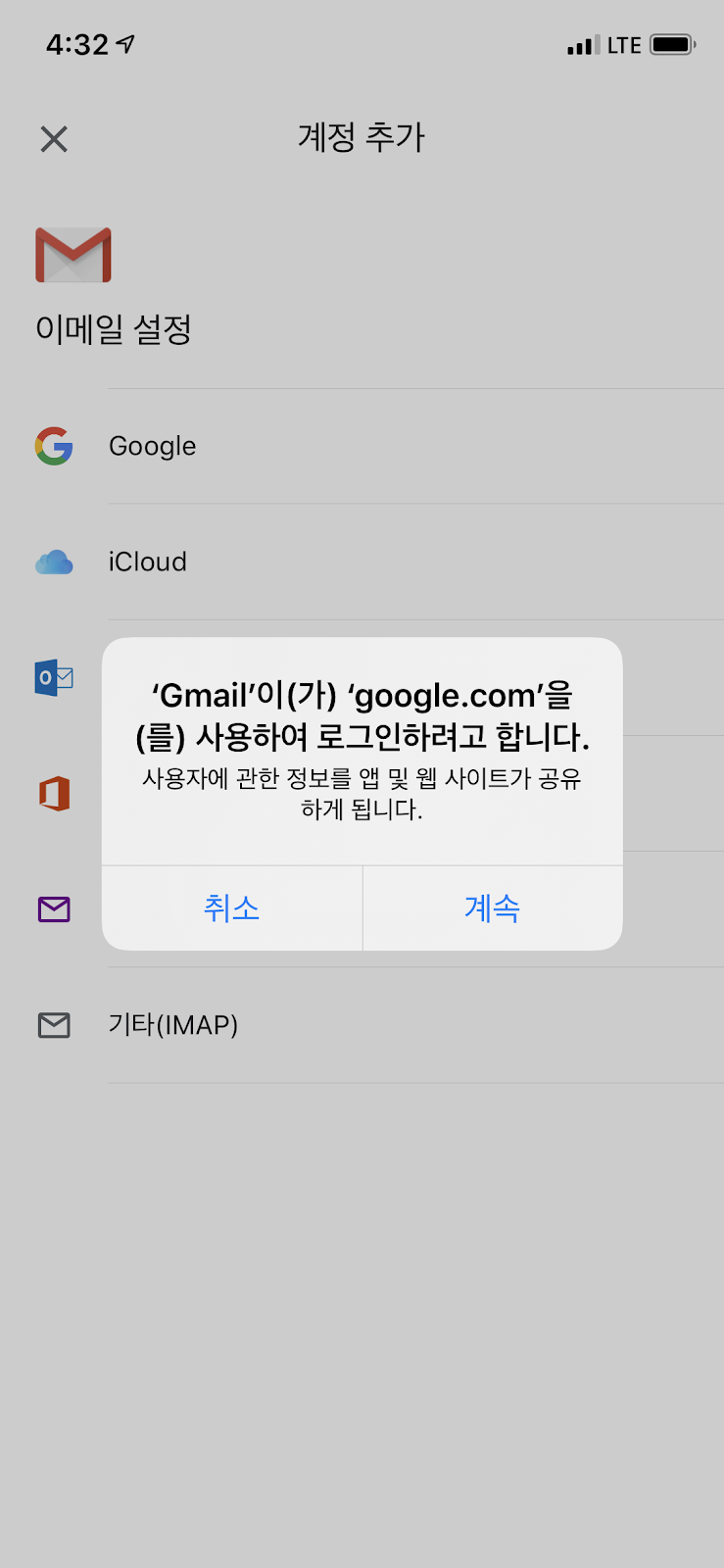
Click -> “Continue”
-
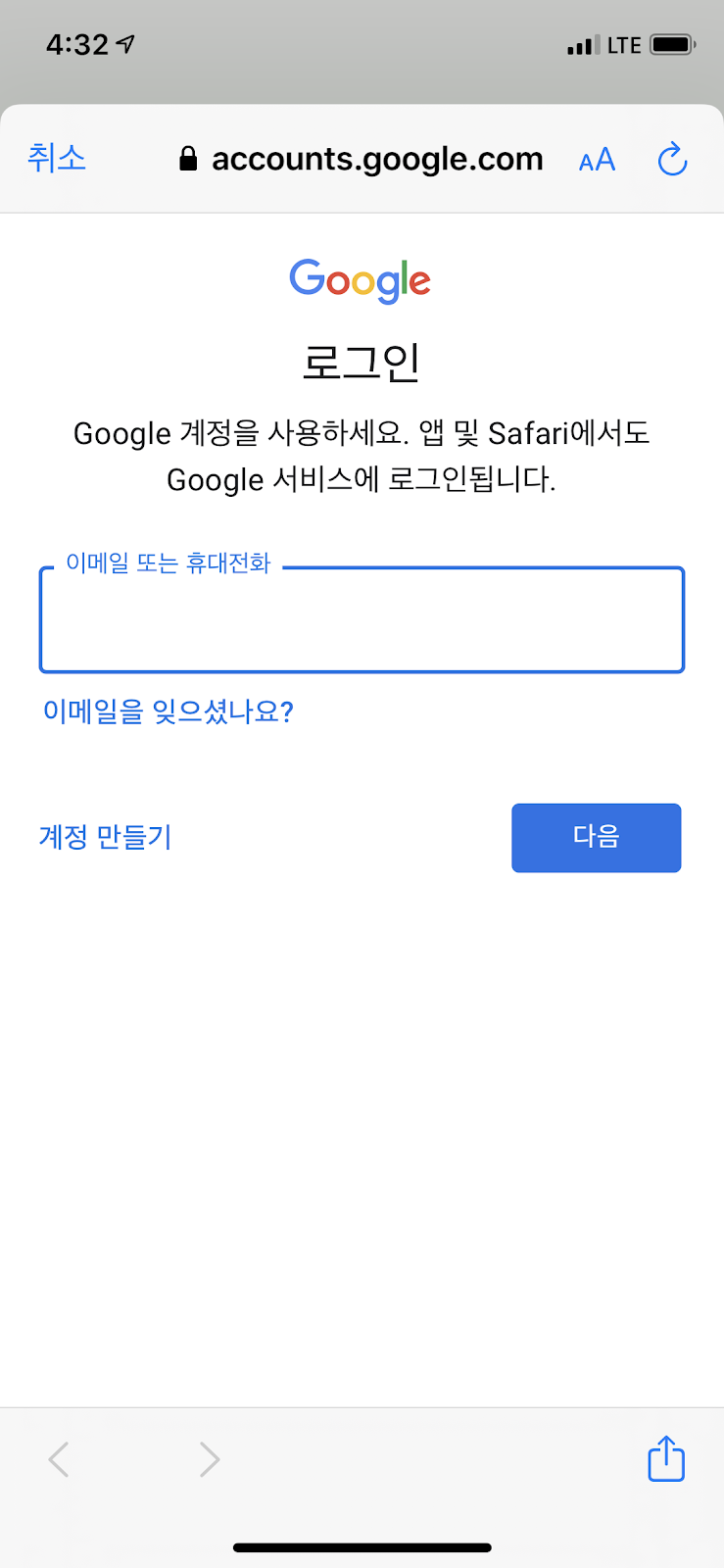
Type “email address or phone number “ -> Type “Password”
-
Done

Click -> Gmail App
Click “Login” on the bottom
Click “add account”-> Google
Click -> “Continue”
Type “email address or phone number “ -> Type “Password”
Done
Comments
0 comments
Please sign in to leave a comment.