
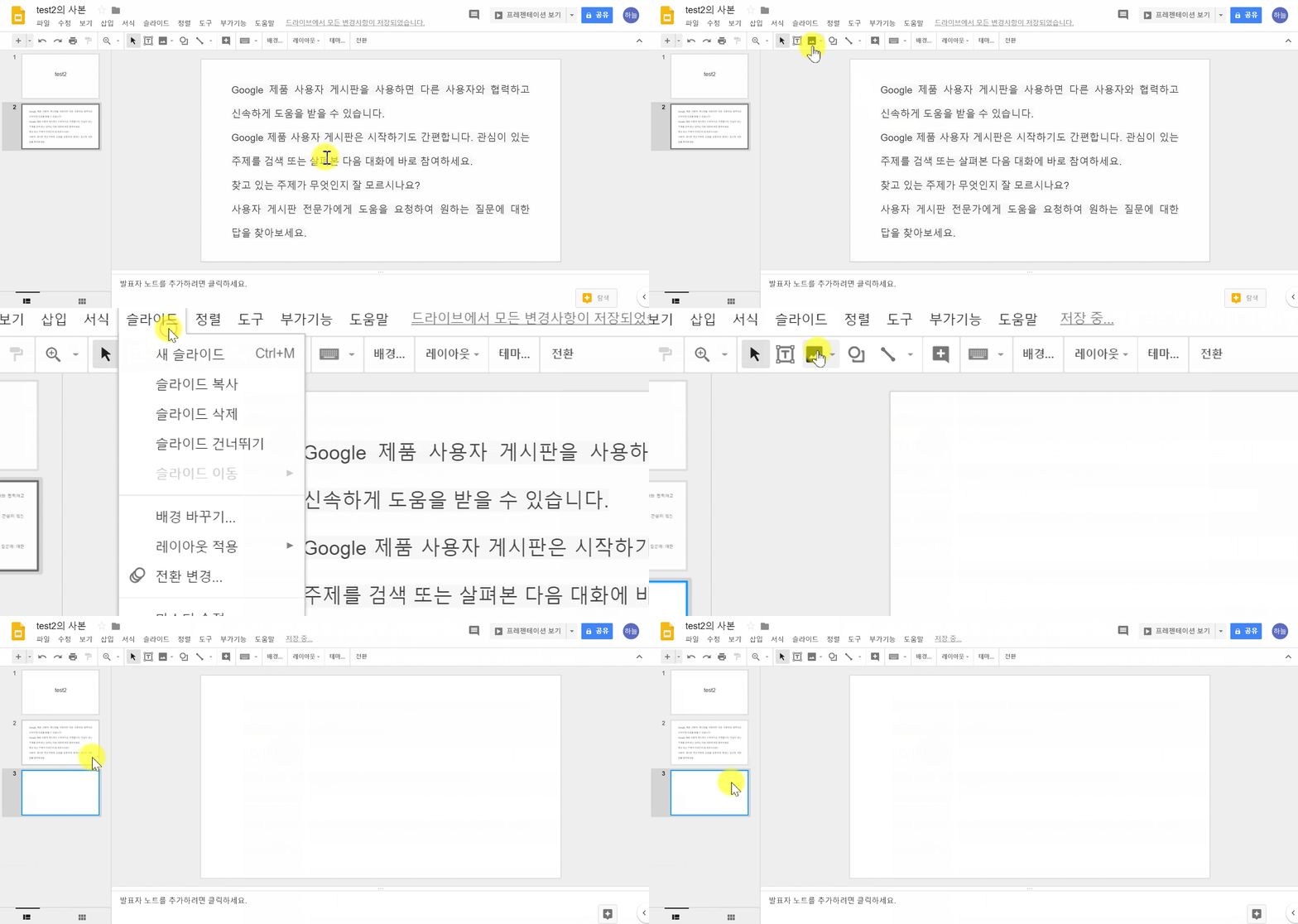
New slide
Click New slide in the toolbar. Click the Down arrow to choose a layout for the new slide
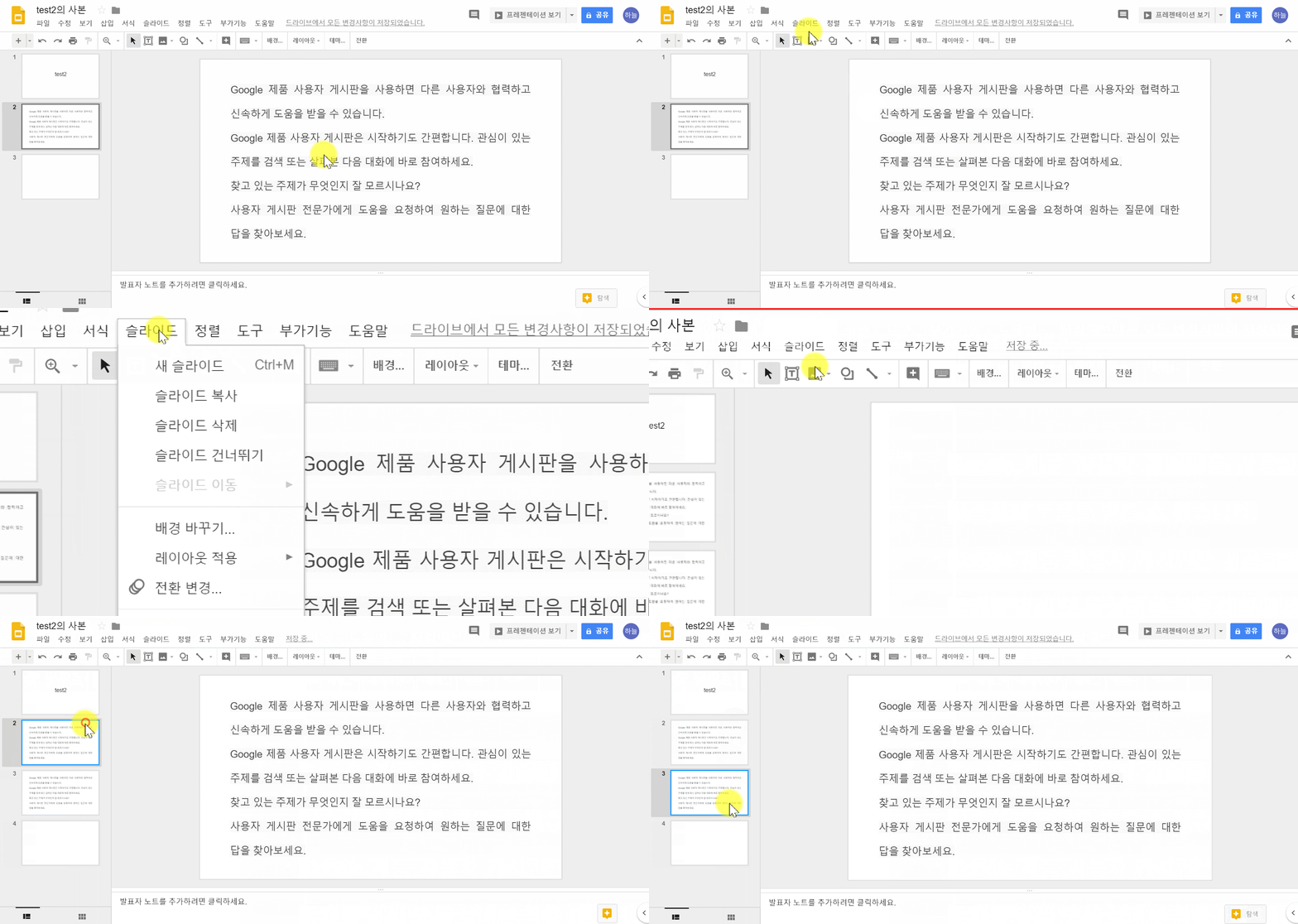
Duplicate slide
Right-click the slide in the sidebar and select Duplicate slide.
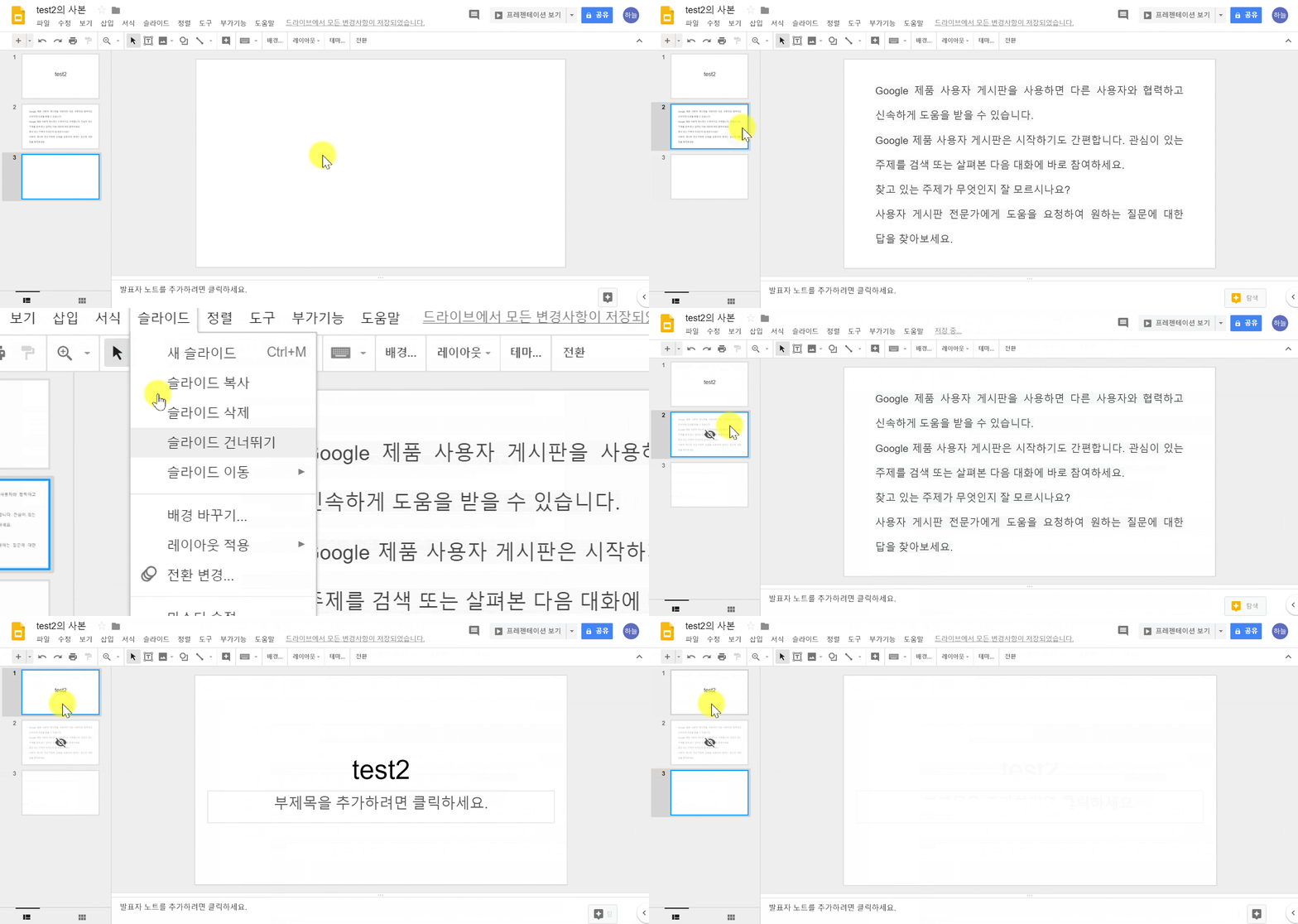
Skip a slide
① On your computer, open a presentation in Google Slides.
② At the left, right-click the slide or slides you want to skip.
③ Click Skip Slide.
**To show a skipped slide, click Skip Slide again.
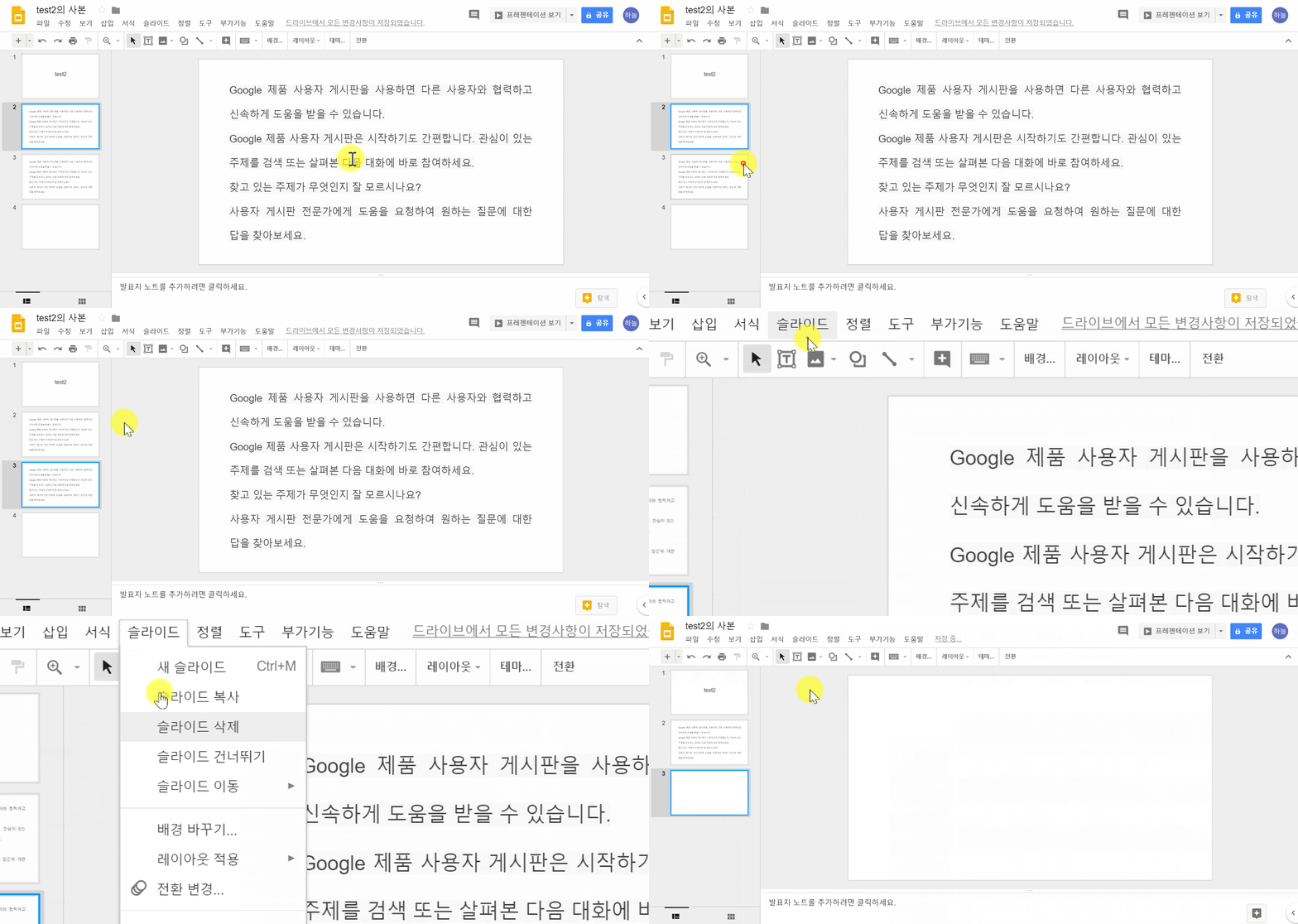
Delete a slide
①On your computer, open a presentation in Google Slide
②At the left, click the slide you want to delete.
**If you want to delete multiple slides, hold the Shift key and click them now.
③Press Delete or Backspace on your keyboard.
Comments
0 comments
Please sign in to leave a comment.